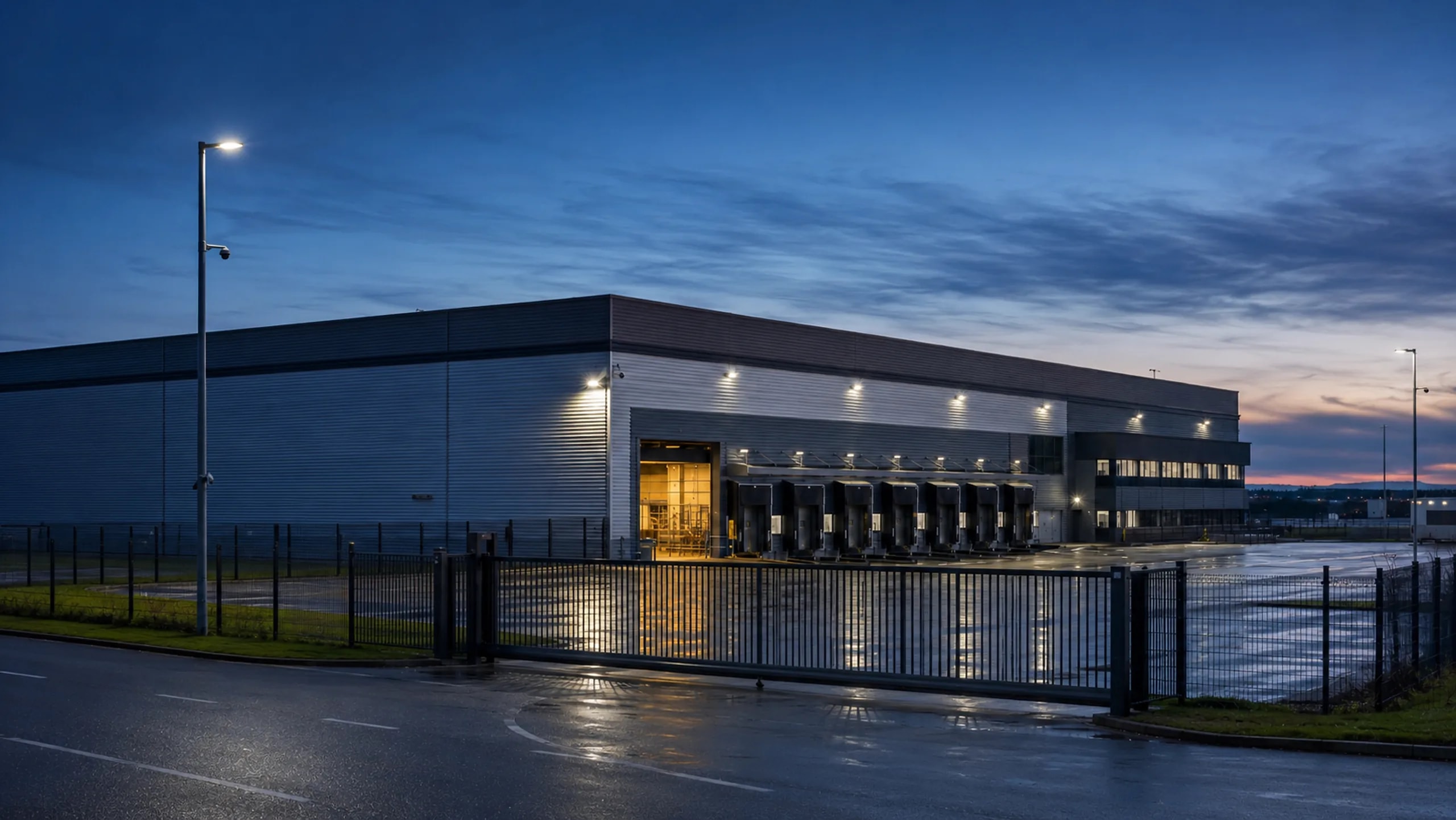
Large site
The site under control
Several nodes, dozens of cameras on each, a redundant ring between the nodes. One diagram that shows the actual state of the network, not the way it was meant to be.
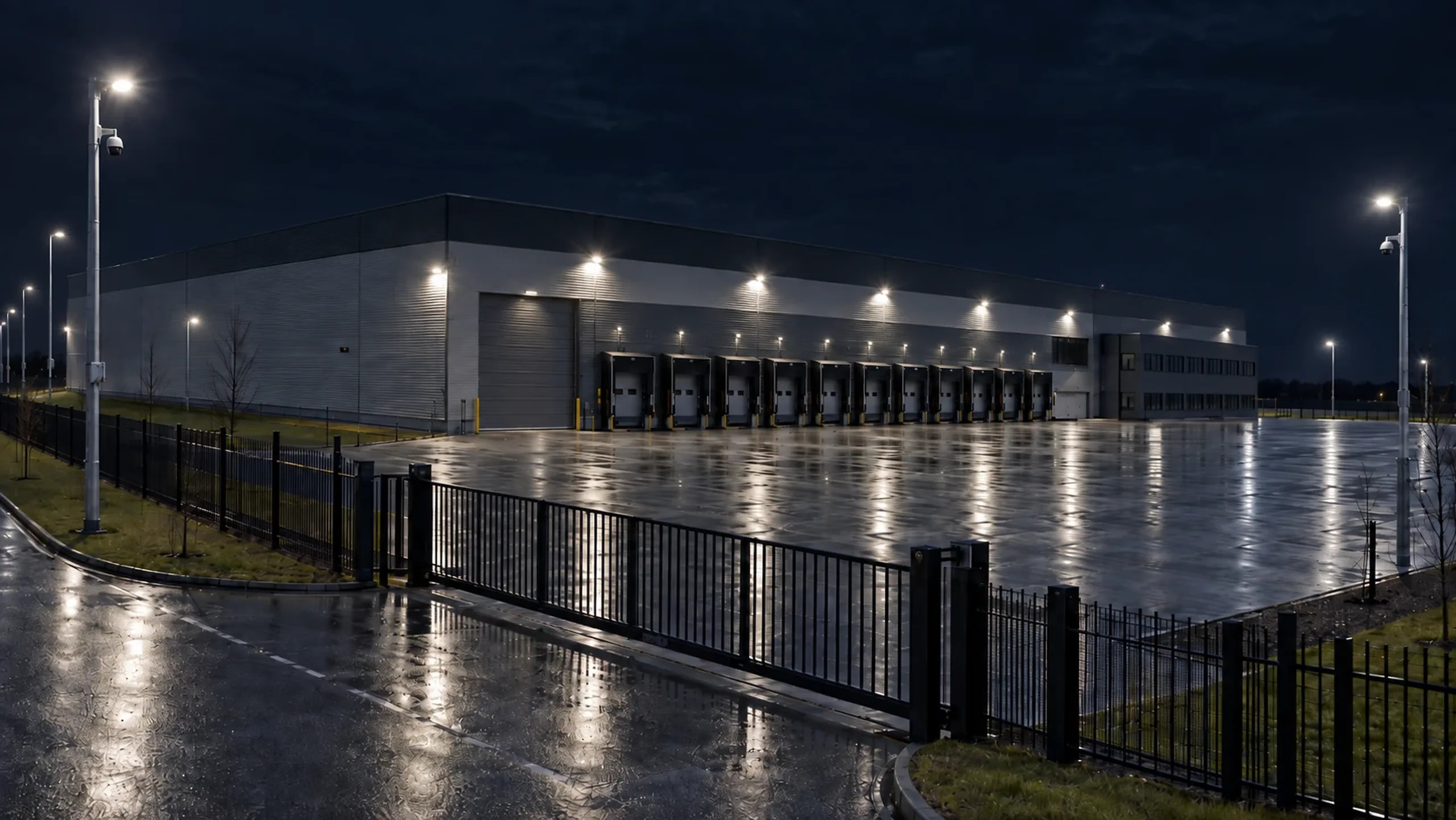
Where we work
Sites where one camera is not enough
How it is built
From the plan to handover
The order is the same as on any site, but scale changes the main thing. First we count nodes and redundancy, and only then cameras.
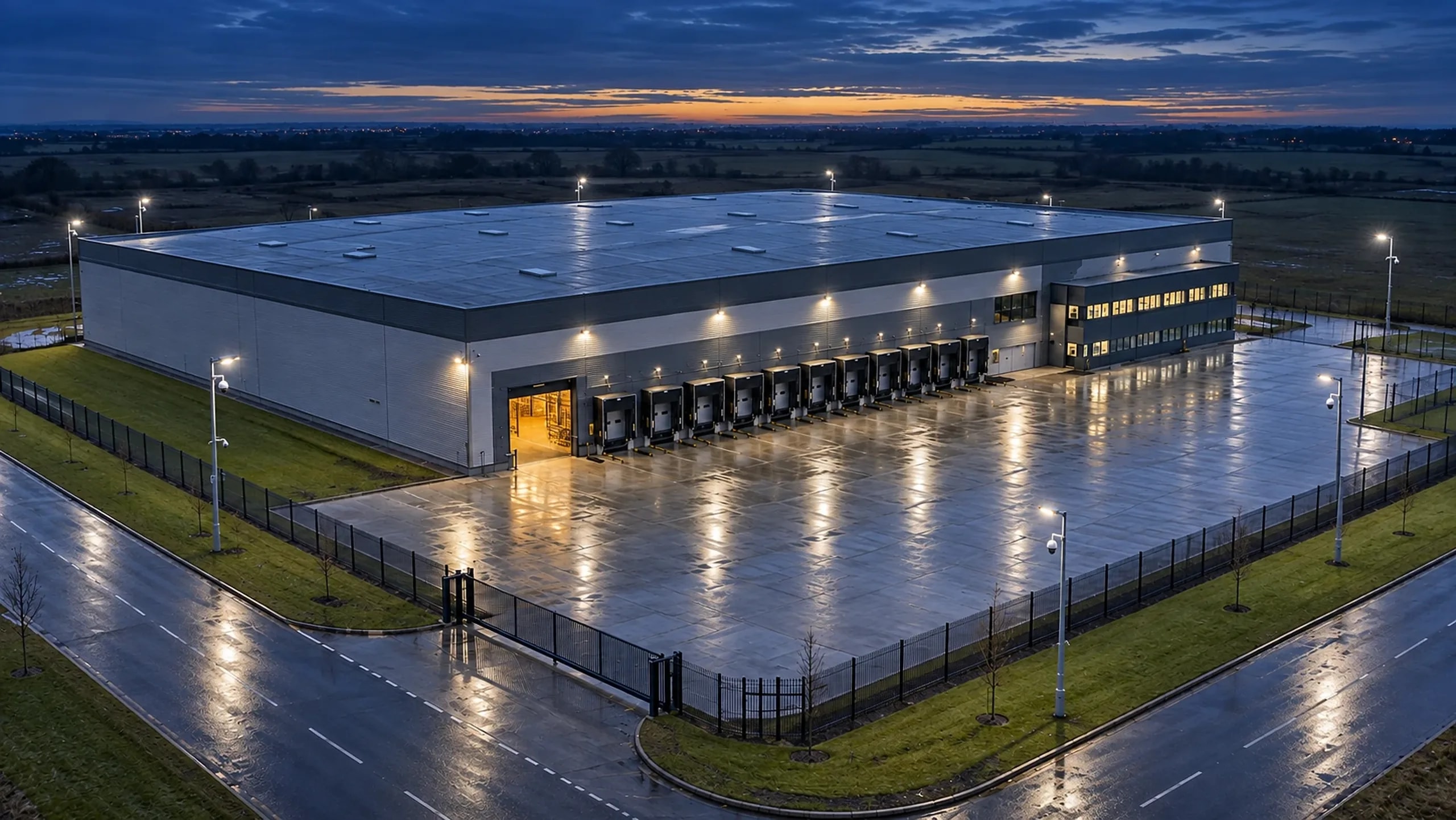
Survey and design
We count the zones, spread the cameras across nodes and draw the site on a plan before anything is bought. Uncovered areas are visible straight away, and moving a camera on a plan costs nothing. The same plan becomes the design for Pult: after installation the system compares the actual state against it.
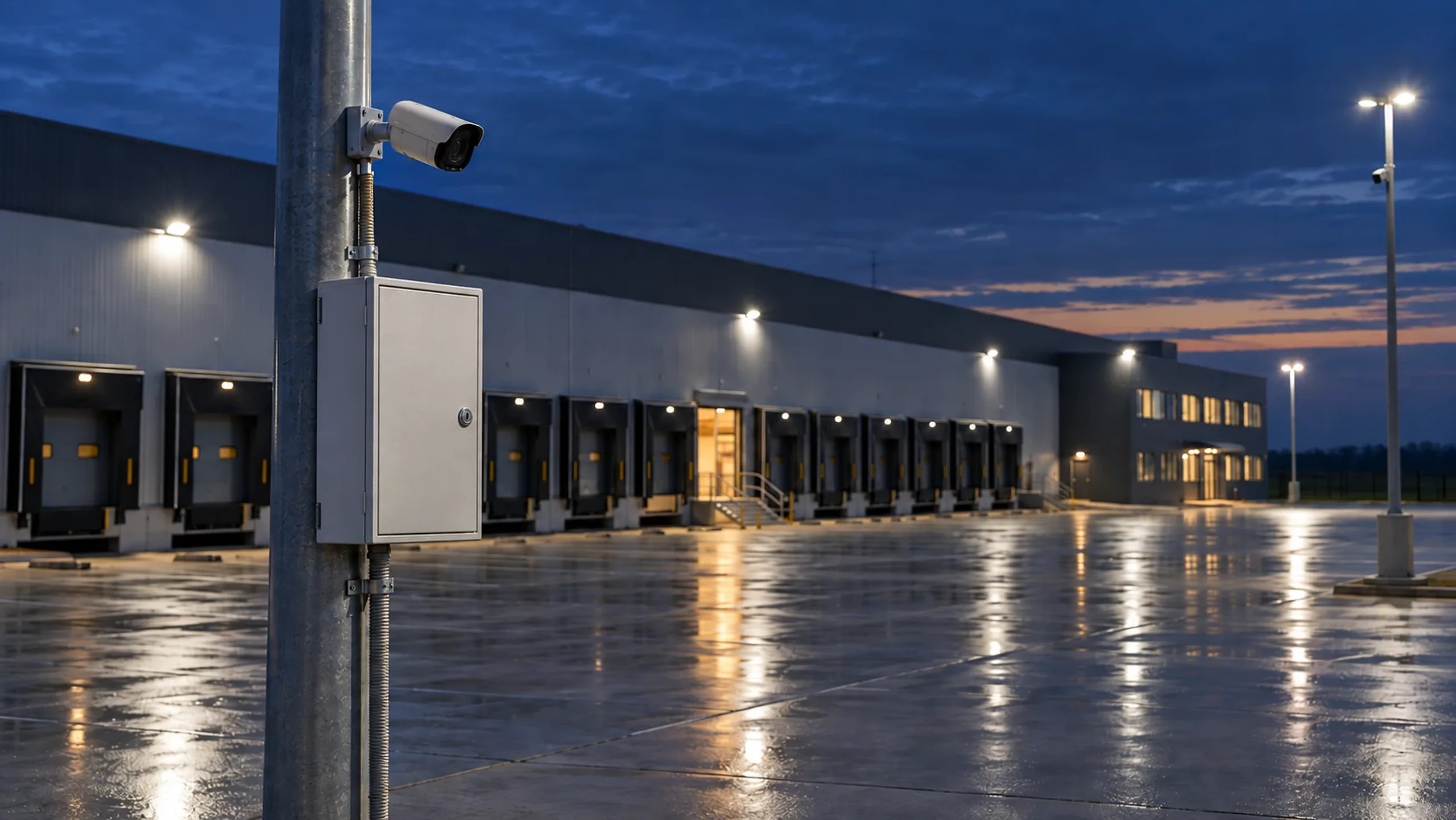
Nodes and the redundant ring
We decide where the cabinets go and how many cameras each one holds. The nodes are closed into an ERPS ring: if a line breaks on one section, traffic goes the other way and the site is not left without connectivity. Pult shows the ring as it actually is: what is connected to what, which line carries the reserve and whether the protection is intact.
Installation and handover
Cable routes, power, equipment. A cabinet straight out of its factory packaging becomes a network node by itself: Pult finds it and sets the name, address, clock, passwords and port roles without a human. Before handover we check every camera along the whole chain: camera, stream, archive. After that the system compares itself against the design and reports if anything has drifted.
Pult
See how it looks
This is how the site looks to the person responsible for it. All cameras on one screen, alarms with the name of the place and a frame. Click a camera.
Cameras
Click a camera to open the event. Red is an alarm, grey is normal operation.
Events during the shift
- 12:44Back yard
- 12:00Corridor to the shop floor
- 11:36Entrance to the shop floor
- 11:21Technical area
- 10:48Warehouse, storage area
- 10:03Lobby
- 09:17Area by the cabinet
- 08:55Staff entrance
- 08:40Yard between buildings
- 08:12Checkpoint, entrance
Demo. The site, the cameras and the events are made up. This is how the Pult screen is built and how events arrive: with the name of the place, not a port number.
Capabilities
One node, one system, no internet needed
Pult brings the switch, cameras, router, controller and cabinet power together into one managed node and runs locally: the internet is only needed for the site map and Telegram alarms. A new cabinet configures itself, a camera connects on a «plug it into a port and it works» basis, and cable and optics diagnostics from the switch port name the break point in metres.
The cabinet controller watches the door, power and temperature, events arrive with the name of the place and a frame from the camera, and every six hours the system compares each node against the design.
Why it is reliable
Proof by fact, not by promise
The system does not trust the device's answer. Every action first shows the plan, then runs, then is verified by reading the result back. Three things below can be seen.
The power was cut. The video did not blink
The node switched to battery, the cameras and the recording kept working. Pult logged the «on battery» event and added it to the outage history.
Pult showed where the problem is
A camera went down. Pult highlighted the port, and cable diagnostics from the switch named the break point: «pair C broken at 47 metres». The argument between cable and camera is closed before anyone drives out.
The cabinet configured itself
The cabinet was reset to factory settings. Pult found it at the factory address, set the name, address, passwords and port roles and returned it to the ring. The power was never switched off and no one intervened.
The main economics
Not driving out is cheaper than driving out
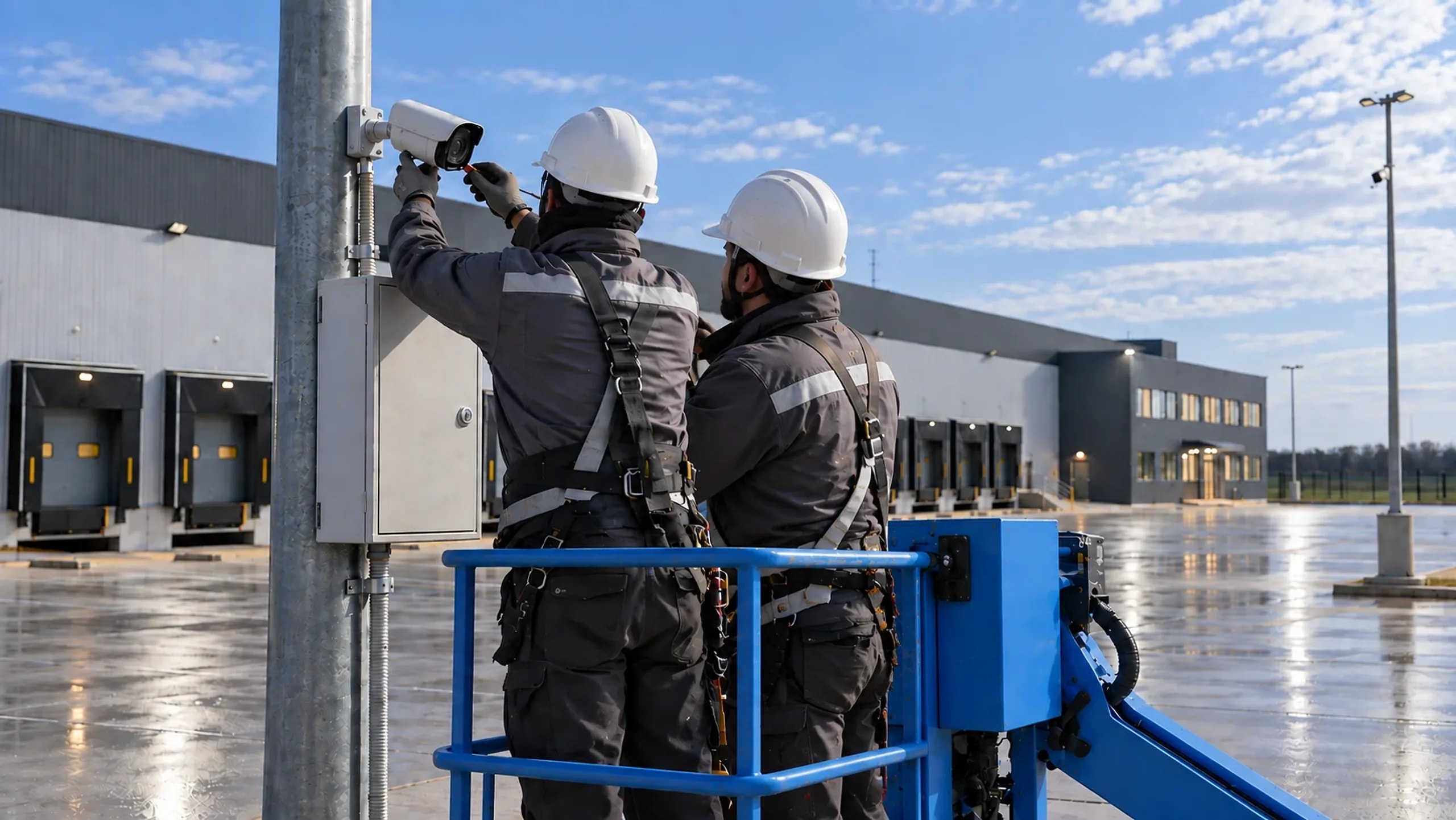
The main operating cost is not the equipment but the trip to it: a lift, a crew, a shift. So a node has to report what is wrong with it and, where possible, fix that without a human.
The cabinet compares itself against the design every six hours. What is safe it repairs itself, what is doubtful it leaves to a person, explaining what happened and on which port.
What it costs
We will pick a node for your site
Answer a few questions and we will show what the node for your site consists of. The exact price is calculated after a survey.