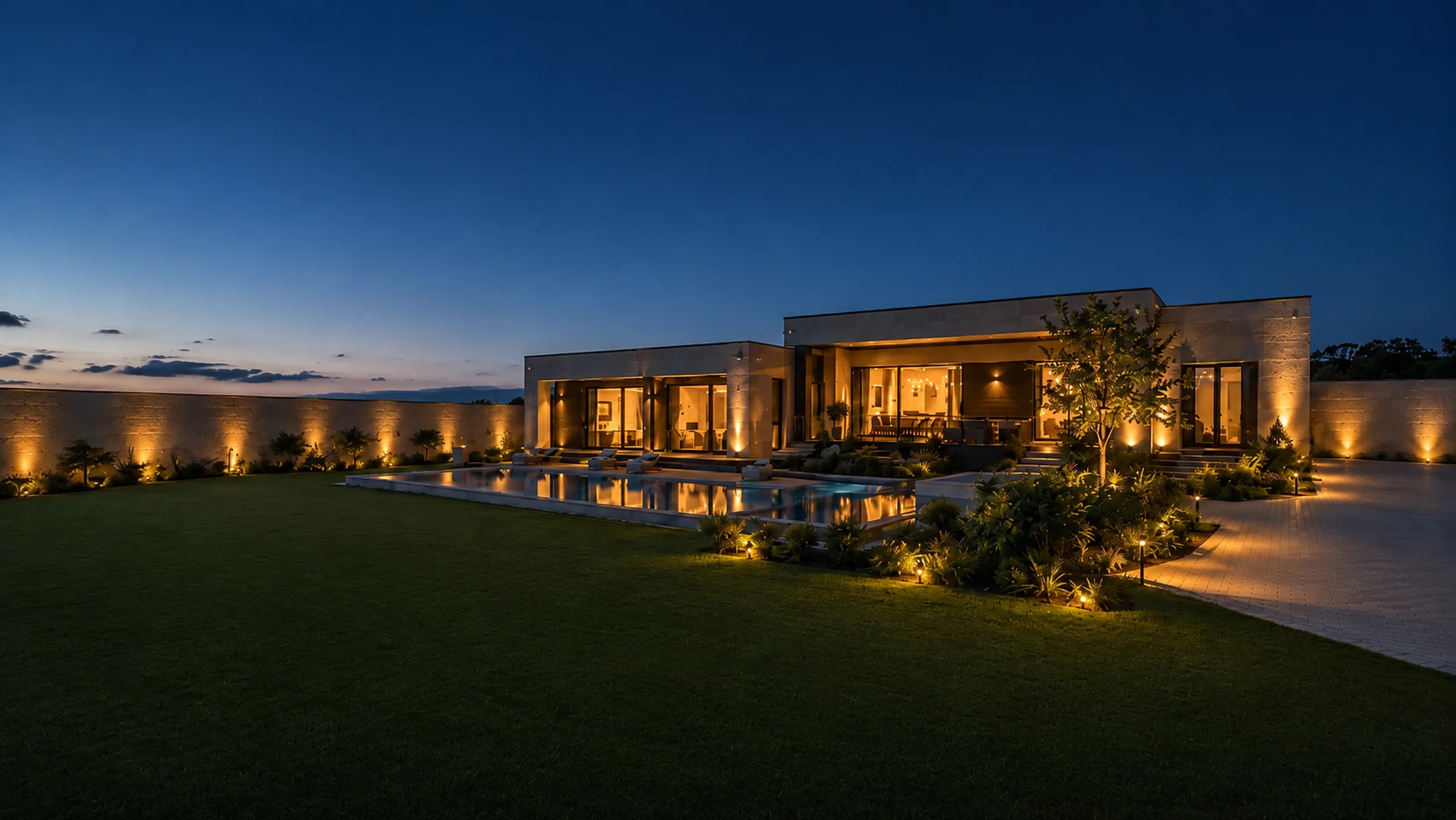
Private home
A home under watch
You do not have to watch the system. It watches the house and tells you in plain words whether everything is fine.
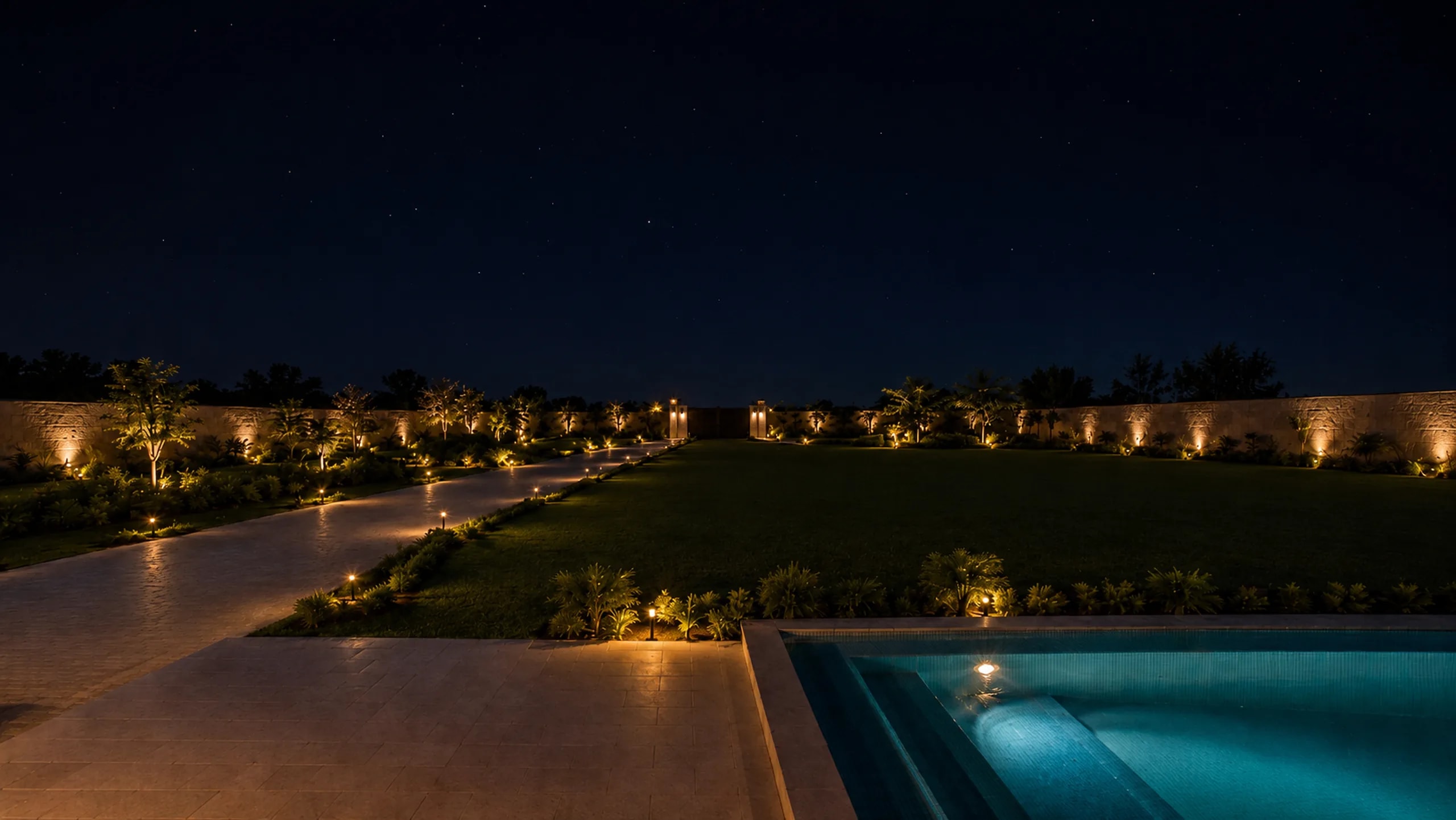
What we cover
The areas a property is made of
This is where the project starts. You choose what you need to see, and we show on the plan what each camera covers. Blind corners are found before installation, while they are still easy to fix.
How we work
From the plan to handover
The base comes first: plan, network, cabinet. Cameras go up last, when everything else already works.
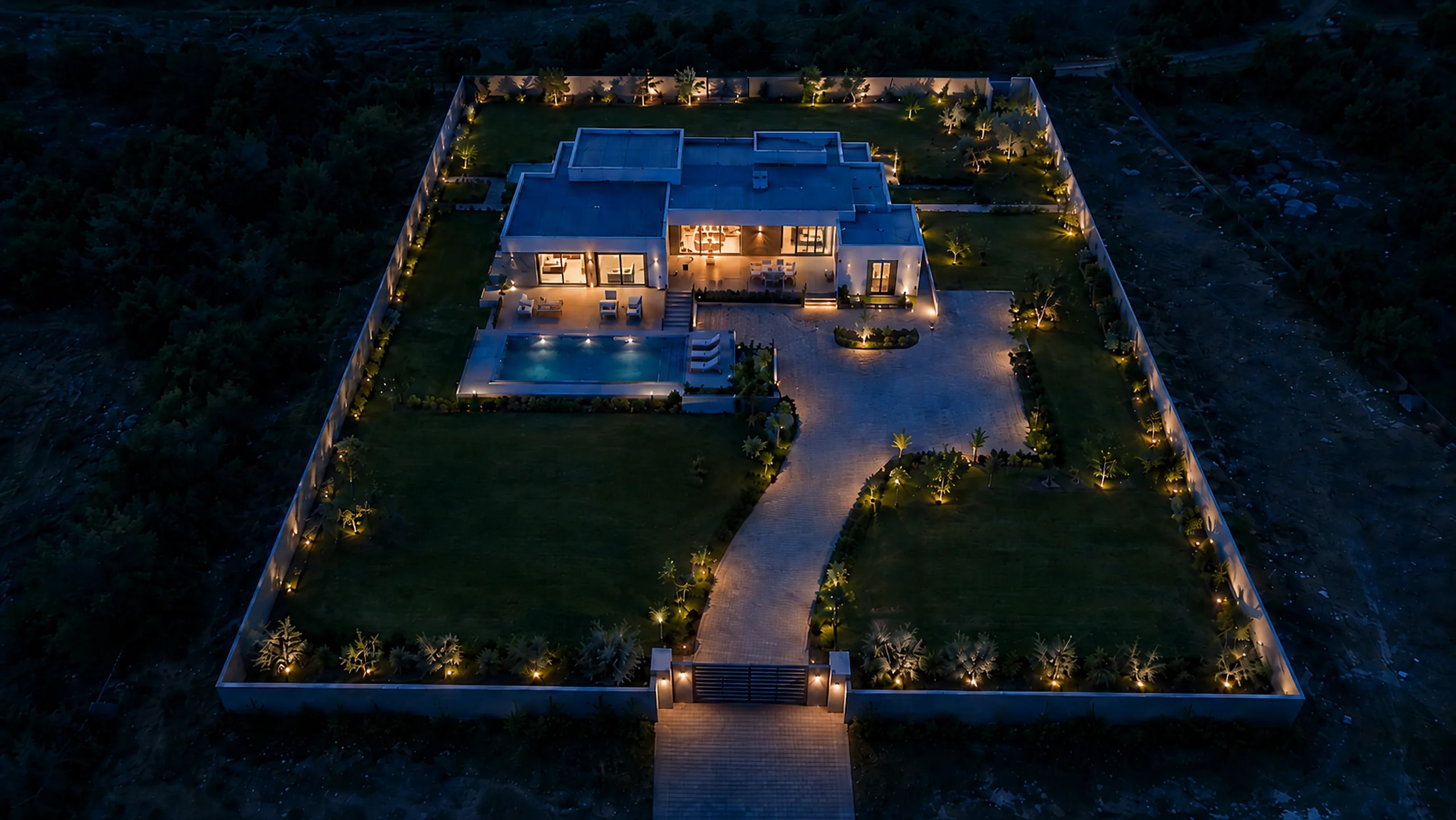
Design
We start with a plan of the property. We mark where the cameras go and show what each of them sees. Blind spots are visible straight away, while nothing has been bought and everything is easy to move.
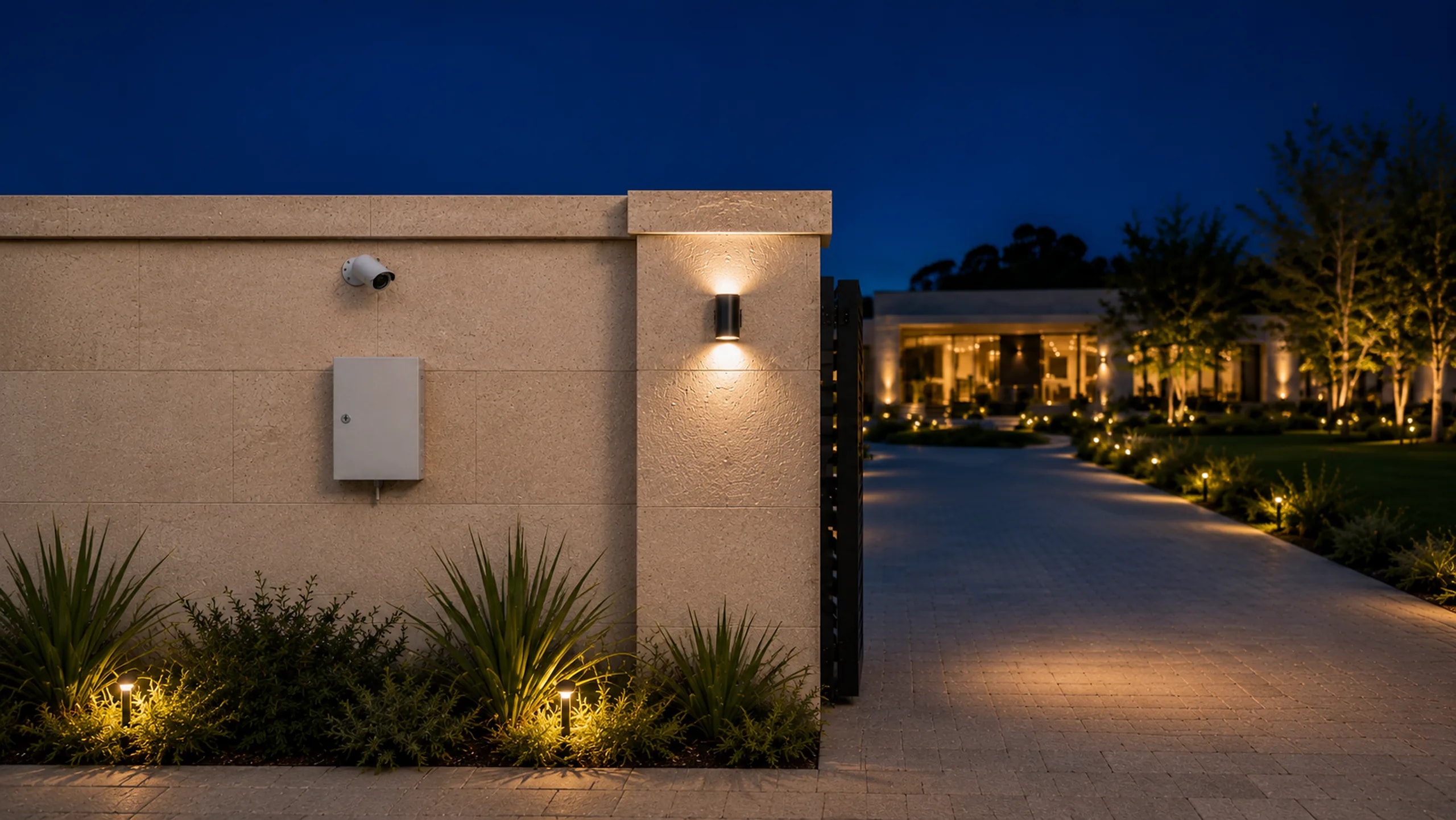
Infrastructure
Then the cabinet, power and network. Nobody sees this part of the work afterwards, but every camera depends on it at once. The cabinet has a battery, so surveillance and recording continue during a power cut.
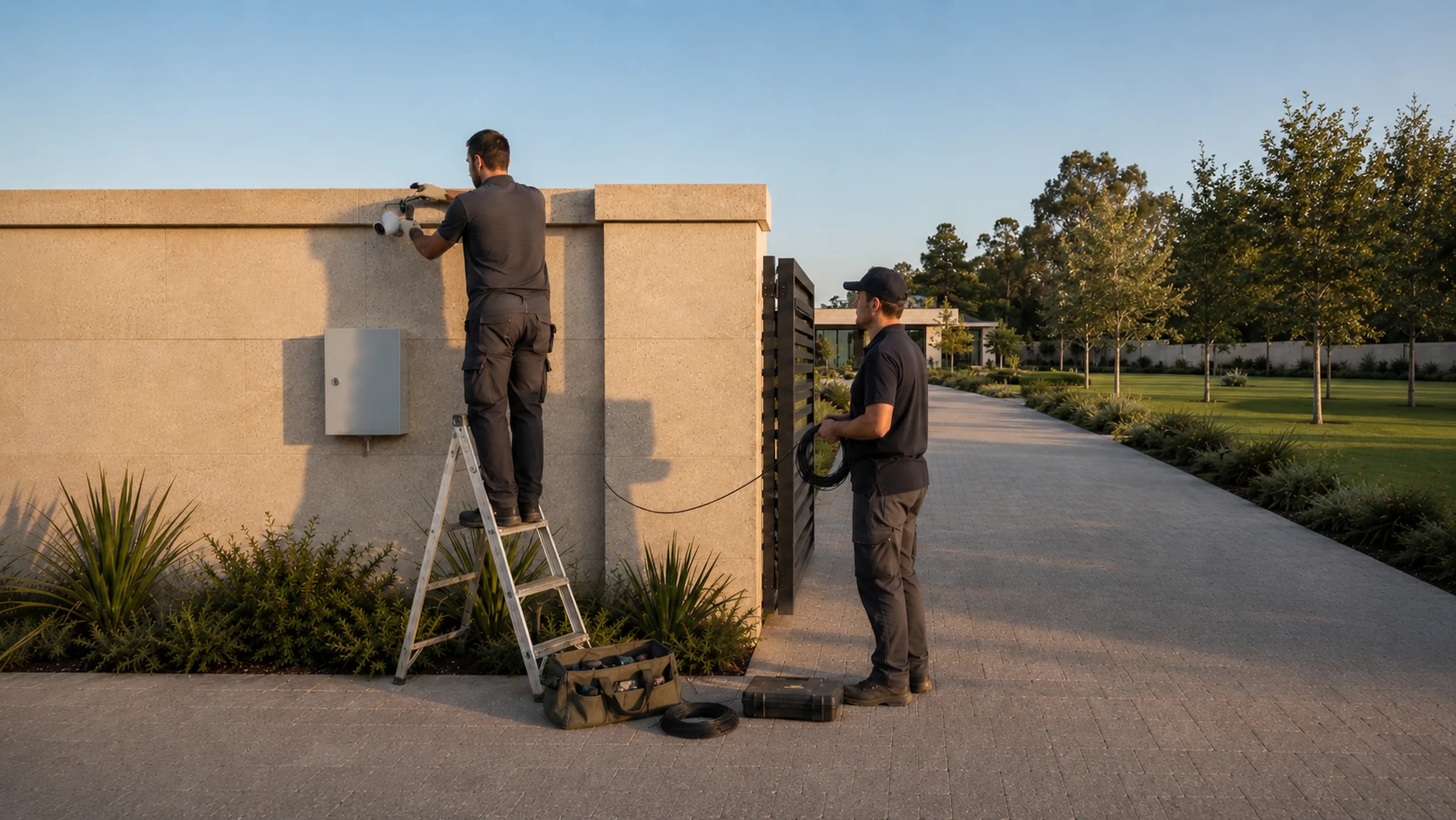
Installation and handover
We mount the equipment, run the cabling and configure everything. Before handover we go through every camera and check two things: is there a picture and is the archive being written.
Pult
The whole house on one screen
You open the page and see the main thing at once: whether the cameras work and whether recording is running. An alarm arrives with the name of the place and a frame. «A person in the back yard», not an event code. You can watch from a computer or a phone, in a browser. Click a camera.
Cameras
Click a camera to open the event. Red is an alarm, grey is normal operation.
Events during the shift
- 22:44Pedestrian gate
- 18:03Garage
- 16:40Cabinet on the house wall
- 14:21Back yard
- 10:05Yard
- 08:12Gate, driveway
Demo. The site, the cameras and the events are made up. This is how the Pult screen is built and how events arrive: with the name of the place, not a port number.
Why it is reliable
Proof by fact, not by promise
The system does not trust what the equipment answers. It reads the result back and says in words what came out. Three things below can simply be seen.
The power was cut. The video did not blink
There is a battery in the cabinet. The electricity is gone, but the cameras and the recording keep working. Pult reports at once that the node has switched to reserve and keeps a history of outages.
Pult showed where the problem is
A camera is gone, and an argument usually starts: the cable or the camera. Here there is nothing to argue about. Pult highlights that exact camera in red, and the network measures the line itself and names the break point in metres.
The cabinet configured itself
A new cabinet arrives from the factory empty. It does not need to be programmed on site. It finds itself on the network, receives a name, an address and its settings, and starts working without the power being switched off.
The system almost never needs fixing by hand
Every six hours the system compares each cabinet against the way it should be. What can be fixed safely it fixes itself and writes down what it did. What is for a person to decide it leaves to a person, but with an explanation: what happened, where and why.
For you that means fewer reasons to call someone and wait for them.
What it costs
We will pick a cabinet for your home
Answer a few questions and we will show which cabinet your property needs and what goes into it. The exact price is calculated after a site visit.